
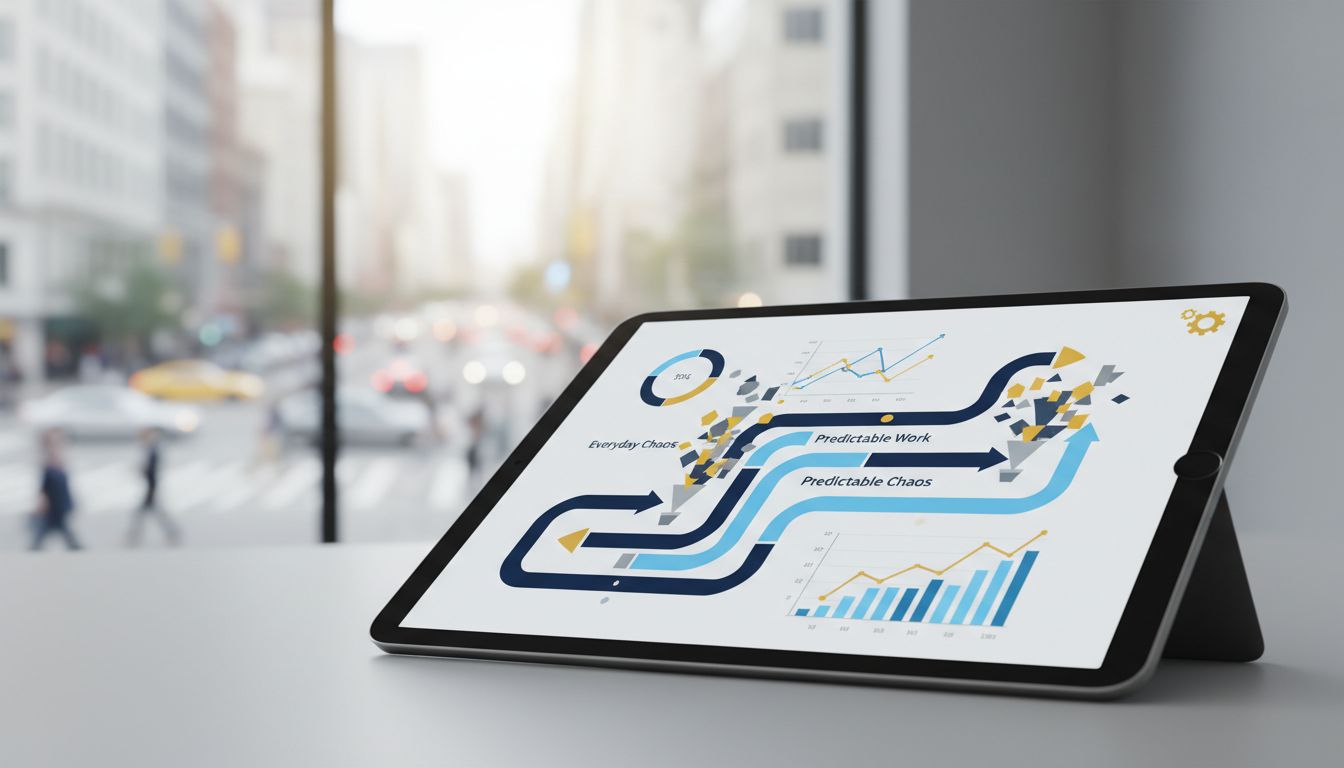
For many local owners, the workday does not start with strategy. It starts with tabs. One screen for invoices, another for scheduling, another for payroll, another for inventory, and a phone full of messages asking what changed in the last hour. The problem is not a lack of effort. The problem is that fragmented tools create fragmented decisions, which turns normal daily work into preventable chaos.
A streamlined centralized business dashboard changes that pattern. Instead of chasing updates across disconnected systems, owners can see the signals that matter in one place and act before small issues become expensive ones. That matters at scale: the SBA reports there are 36,207,130 small businesses in the U.S., employing 62.3 million people and contributing 43.5% of GDP. When local businesses operate with clearer numbers and fewer surprises, the impact reaches far beyond one office or storefront.
The problem lies in scatteredness
When a small, local business has work spread across too many places and handled through too many manual check-ins, owners often become the human bridge between software tools, staff updates, customer issues, and financial decisions. That creates bottlenecks at exactly the point where the business needs speed and consistency.
This is why modern small business management software is moving toward a true business operating system model. Instead of treating reporting, scheduling, cash flow, inventory, and team execution as separate conversations, the business needs one operating layer that organizes them into a usable flow. A dashboard is not just a reporting page. It is the control surface for decision-making.
For local owners, this means fewer status meetings, fewer text-message audits, and fewer decisions based on outdated information. A streamlined dashboard supports operational efficiency because it reduces the time between what happens in the business and what the owner can do about it. That is the practical shift from reactive management to predictable work.
Why real-time visibility now matters more than ever
Real-time visibility has moved from nice-to-have to basic operating infrastructure. QuickBooks now emphasizes a “real-time dashboard with customisable reports” that helps owners see where the business stands, monitor cash flow, and review overdue invoices as conditions change. That language matters because it reflects how owners actually work today: they need numbers that are current enough to support same-day decisions.
The business climate also makes this more important. The SBA notes that small businesses account for 99.9% of all businesses and 38.7% of private-sector payroll. Its February 2026 bulletin also points to elevated new-business applications, growth in income, and a slight uptick in bank applications. In other words, many businesses are operating in a period where growth pressure is real, and growth without visibility tends to create disorder.
Better data quality strengthens the case further. The SBA’s 2025 state and metro statistics now provide more precise benchmarks around small-business counts, employment share, jobs created, and ownership demographics. That gives owners more granular context for local performance, but context only helps if it can be translated into action. A streamlined dashboard turns fresher data into operational rhythm.
Cash flow dashboards create predictability where owners feel pressure first
For most local businesses, predictability starts with cash. If the owner cannot quickly see what is coming in, what is going out, and which invoices are overdue, every staffing, purchasing, and scheduling decision becomes more stressful than it needs to be. QuickBooks highlights this directly by showing that dashboards can surface cash moving in and out, unpaid invoices, and current financial reports such as balance sheet, profit and loss, and cash flow statements.
That visibility does more than help with bookkeeping. It creates a daily management system. When an owner can spot slowing collections early, they can adjust outreach, reschedule purchases, or protect payroll without waiting for a month-end surprise. When they can see margin trends and expense movement in real time, they can make smaller corrections before larger problems develop.
This is where a well-designed business management portal becomes valuable. Instead of requiring owners to pull separate reports and interpret them manually, the dashboard should present a simple decision layer: what needs attention now, what is off track, and what is stable. That is how financial reporting becomes operational control rather than historical review.
Service businesses need dashboards that reduce field and dispatch chaos
Local service businesses face a different version of fragmentation. The issue is not only financial visibility. It is team coordination. A plumbing company, cleaning service, HVAC firm, or maintenance business can lose hours each week simply because availability, route changes, notes, job status, and customer communication live in separate places. The result is missed context, slow reassignment, and frustrated teams.
Jobber’s scheduling dashboard points to a more effective model. Owners can see team availability, assign jobs to technicians or contractors, and track workers in real time with GPS while they clock in, complete jobs, or add notes. When these updates feed into a single operating view, the dashboard becomes the day’s command center rather than a passive summary page.
Connecteam reinforces the same shift with operations tools that show real-time updates on task completion, recurring task delegation, shift information, payroll integration, and multi-branch management. For local owners, this matters because predictable work depends on standardized execution. A centralized business dashboard helps ensure every branch, crew, or technician is working from the same system rather than improvising from scattered updates.
Inventory dashboards help prevent quiet losses and stock confusion
Inventory-heavy local businesses often experience chaos more quietly. A product is missing, a count is wrong, a transfer was not recorded, or one location runs out while another holds excess stock. These issues may look small individually, but together they create margin leakage, delayed service, and unnecessary purchasing. The root cause is usually the same: no single source of truth.
Forbes Advisor’s 2026 inventory software roundup shows what modern systems are now expected to handle, including inventory optimization, forecasting, and multi-channel management. That reflects a broader operational reality. Inventory is no longer just about counting items. It is about understanding movement, predicting demand, and coordinating multiple sales or storage points through one view.
QuickBooks Enterprise adds another practical example by noting that cycle counts can be audited in real time and exact counts from one or multiple locations can be uploaded to a central dashboard. That kind of design supports business process optimization because it turns stock control into a repeatable process rather than an occasional cleanup project. For local retailers, wholesalers, and hybrid operators, that can significantly reduce preventable losses.
The best dashboards are shifting from reporting to guided action
A dashboard becomes far more useful when it does not stop at visibility. Owners do not just need to know what happened. They need to know what deserves attention next. This is where AI business management and workflow design are starting to reshape expectations. Intuit says its AI-powered tools use business data and workflows to provide insights, recommendations, and automation, with the goal of keeping important insights at the owner’s fingertips.
That change is strategic because it reduces the amount of mental processing owners must do between seeing a metric and acting on it. If the system can highlight unusual expense movement, rising overdue invoices, scheduling gaps, or stock risks, then the dashboard starts taking work off the owner’s plate. As Intuit puts it, AI should “take work off your plate”. That is a meaningful standard for modern business productivity tools.
In practice, this means the most effective dashboards are part analytics layer, part action layer. They trigger workflow automation, prompt follow-ups, support recurring processes, and help standardize next steps. That is how a dashboard stops being a place to look and becomes a system that helps the business run.
What streamlined dashboard design should include for local owners
Not every dashboard improves operations. Some simply compress too much data into one screen and create a different kind of confusion. For local owners, the right design starts with a small number of decisions that must be made every day: cash position, collections, job status, labor coverage, inventory exceptions, and urgent customer-facing issues. The dashboard should be built around those decisions, not around every possible metric.
A strong framework is to organize the dashboard into three layers. First, a health layer showing immediate business status, including cash flow, sales, overdue invoices, and urgent alerts. Second, an execution layer covering today’s operational workload, such as scheduled jobs, task completion, staffing gaps, or stock exceptions. Third, an improvement layer tracking trends, bottlenecks, and opportunities for automation or process refinement. This structure supports scalable business systems because it separates what needs action now from what needs planning later.
This is also where platforms such as the CalcX Business Management Portal fit naturally into a growing company’s operational stack. The value of an intelligent portal is not that it adds another screen. It is that it acts as a unifying layer across finance, workflows, team execution, and decision support. For owners looking for a practical business operating system, that kind of structure helps replace daily scrambling with a more deliberate operating rhythm.
How to implement a dashboard without creating another layer of complexity
The fastest way to fail with dashboards is to start with software instead of process. Before choosing tools, owners should identify the recurring moments of confusion in the business. Where do teams wait for answers? Which numbers are always disputed? What information arrives too late to be useful? Which updates require text messages, calls, and manual follow-up? Those are the signals that the business needs a stronger operating dashboard.
From there, implementation should focus on a short list of measurable outcomes: fewer overdue invoices, faster dispatch decisions, lower stock discrepancies, more consistent task completion, or quicker issue escalation. This keeps the dashboard tied to operational outcomes instead of becoming a cosmetic reporting project. The goal is not more data. The goal is more reliable execution.
Finally, build for habit. A streamlined dashboard should become the first place an owner or manager checks at the start of the day and the place teams use to update the status of work. When integrated well, it supports workflow automation, cleaner accountability, and more consistent routines. In that sense, the dashboard is not an add-on. It is the interface through which the business learns to run with less friction.
Local owners do not need endless software complexity. They need fewer tabs, clearer numbers, and systems that help work move in a predictable way. That need is only growing as small businesses expand, hire, add locations, and operate with more live data than ever before. A streamlined dashboard answers that need by turning scattered signals into one practical operating view.
The broader opportunity is not just better reporting. It is better management. When a business management portal combines visibility, automation, and structured execution, owners gain the clarity to make faster decisions with less stress. That is the real promise of streamlined dashboards: not just seeing the business more clearly, but building a business that runs more clearly every day.